Omni Communications
OmniCall Cloud Mobile – Prepaid Business Mobile Number – 36 Months (Fixed Term)
OmniCall Cloud Mobile – Prepaid Business Mobile Number – 36 Months (Fixed Term)
Couldn't load pickup availability
OmniCall Cloud Mobile - Prepaid Cloud Mobile Services (App Only) - 36 Months (Fixed Term)
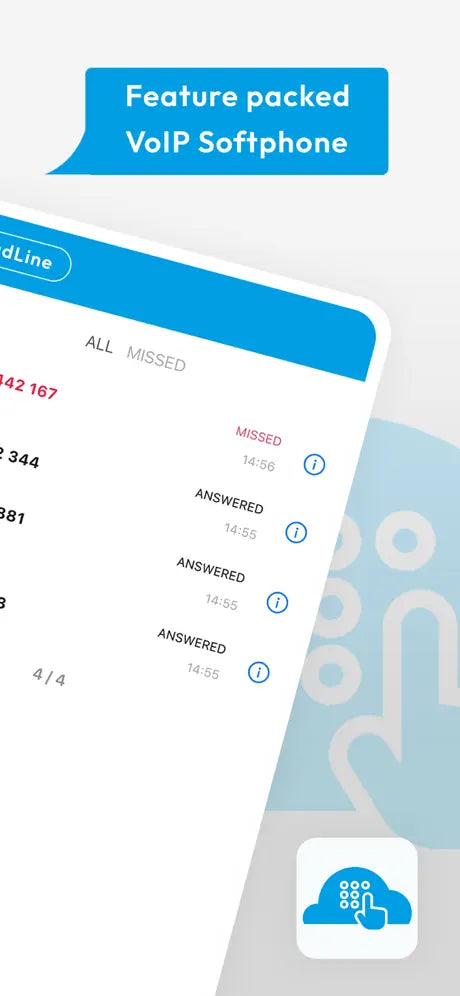
Add a business mobile number that works through an app, without needing a physical SIM or eSIM. Make and receive calls and send SMS from the app. This may suit work/personal separation or BYOD setups. In-app calling & SMS, voicemail, call forwarding, caller ID controls—prepaid for a fixed term, with no monthly rolling billing.
- Platform & Connectivity: App-based service on iOS & Android
- Device Compatibility: Single mobile device
- Allowances: Unlimited calls to UK landlines (01, 02, 03 numbers) & Unlimited calls to major UK mobile networks (Vodafone, EE, O2, Three); Fair usage terms apply.
-
Number Porting:
- New UK mobile number or port your existing number
- Porting collected at checkout - PAC code required
- Contract Term: Fixed term; auto-expires at end of bundle duration.
- Price: See live price above (ex VAT)
⚠️ Emergency Service Access (999/112): Our services supports emergency calls, but they depend on a working internet and power supply. Your location may not be precise. Always have a backup, like a mobile phone, for emergencies. See our Emergency Services Policy for more details.
By default, premium-rate, non-geographic & international calls/SMS are blocked. To lift blocks, purchase a £25/£50/£75/£100 + VAT voucher—out-of-bundle usage is billed monthly in arrears.
For help or to report a fault: 📧 support@omnicom.uk | 📞 0161 507 7999
Business Use Only: By adding to cart you confirm you’re purchasing in a business capacity.
Setup & Onboarding (required):
Setup & Onboarding is added automatically at checkout for Cloud Mobile services.
It is required to get your service live and tested, so it cannot be removed.
We will contact you after order to book your remote setup session.
Share